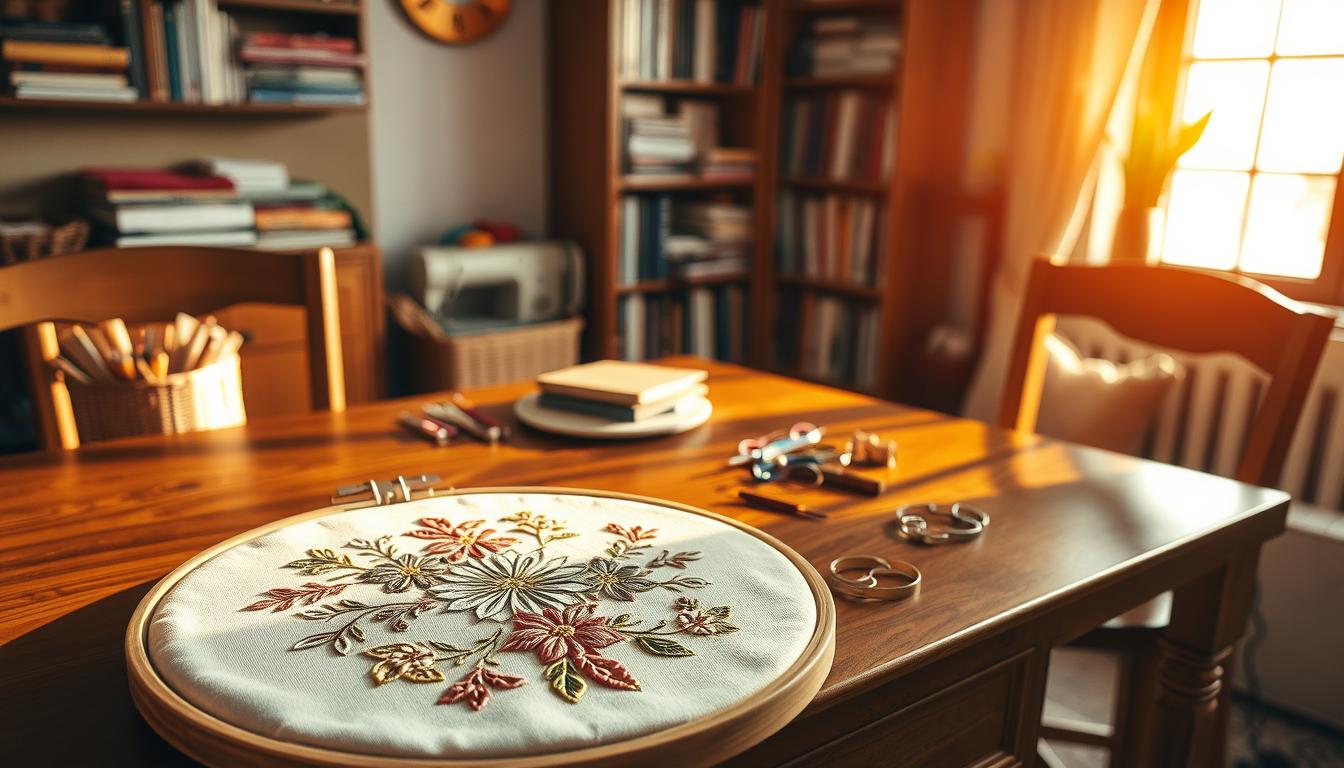
Ever thought about whether a single-needle Brother PE535 or a combo Brother SE2000 could change your game for making embroidered gifts and personalized items at home?
This guide helps you find the right machine for your needs. You’ll learn about important factors like hoop sizes, design uploading ease, and automatic features. Also, whether a combo sewing/embroidery unit fits your workflow.
We compare real options used by sewists. From lightweight embroidery-only models to feature-rich combo machines. This helps you decide between an affordable beginner machine or a larger unit for a home business.
Key Takeaways
- Match machine features to your main use: hobby, gifts, or a small business.
- Hoop size and design transfer (USB, Wi‑Fi, Artspira) determine what projects you can tackle.
- Starter combo models like the Brother SE600 and embroidery-only PE535 balance cost and usability.
- Automatic features (needle threader, thread cutting, jump-stitch trimming) speed up production and improve consistency.
- Try machines in an authorized dealer or local shop and check maintenance, warranty, and available support.
How to choose the right embroidery machine for your home projects
First, think about why you want a machine. For casual crafting and gifts, a small machine is perfect. But, if you aim to offer services or sell online, you’ll need something bigger and faster.
Consider if you’re into hobby crafting, making gifts, or running a small business. Each goal will influence your choices.
Define your primary use: hobby, gifts, or home business
For fun crafting, pick a simple, reliable model. A 4″x4″ or 5″x7″ hoop is ideal. It’s affordable and easy to learn.
If you make gifts, a mid-range machine is good for small projects. For a business, choose a multi-needle or large-hoop machine for speed.
Consider hoop size and design area for project scale
Hoop size affects the size of your designs. Smaller hoops are for small items. Larger hoops, up to 10″, are for bigger projects.
Choose a hoop size that fits your typical designs.
Decide between embroidery-only and combo sewing/embroidery machines
Embroidery-only machines focus on stitching quality. Combo machines can sew and embroider. If you sew clothes or quilts, a combo is better.
For high-volume embroidery, a dedicated machine might be best.
Budget tiers and which features matter most at each price point
Entry-level machines cost under $600. They have basic features and a 4″x4″ hoop. Mid-range models add a 5″x7″ hoop and more designs.
High-end machines have large hoops, fast stitching, and advanced features. Know what you need to avoid spending too much.
Where to buy and testing machines in local embroidery shop or embroidery near me
Test machines at authorized dealers and local shops. This lets you see how they work. Ask about service and warranty.
Look for a dealer that offers classes or repair. This helps as you grow your skills or business.
Top picks for home use: best overall, best value, and best for beginners
Looking for a machine that meets your needs? We’ve got three options for you. They range from sewing and embroidery combos to embroidery-only models. Each supports custom embroidery and connects to online designs in unique ways.
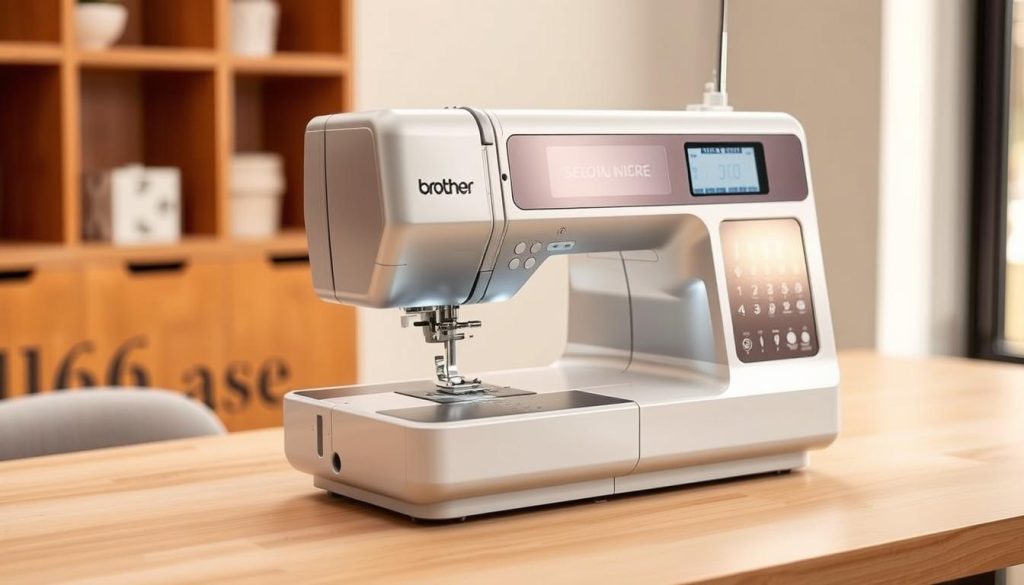
Best overall: Brother SE2000
The Brother SE2000 has a 5″x7″ hoop and a touchscreen for easy design changes. It connects wirelessly or via USB for online designs. It’s perfect for sewing and embroidery, great for gifts, small business, and home projects.
Best value: Brother SE600
The Brother SE600 offers a good combo at a low price. It has a 4″x4″ hoop, but its LCD and USB upload are quick. It’s a solid choice for starting with custom embroidery without spending a lot.
Best for beginners: Brother PE535
The Brother PE535 is just for embroidery, making it light and easy to move. It has a 4″x4″ field and USB transfer for easy learning. It’s ideal for simple monograms and small custom projects.
How these models support custom embroidery and online embroidery design transfer
All three accept PES files and work with online stores. The SE2000 has wireless transfer, while the SE600 and PE535 use USB. Make sure your designs are compatible before buying.
Choose the SE2000 for a bigger 5″x7″ area and sewing options. The SE600 is great for budget combos. The PE535 is perfect for embroidery-only needs. Each machine helps you explore online designs and improve your custom embroidery skills.
Embroidery machine features that affect performance and ease of use
Choosing the right features is key to learning fast and making quality work. Things like design transfer, automation, hoop choices, and stitch control change how you work. Knowing these can help your machine fit your projects.
Design transfer methods: USB, Wi‑Fi, and app connectivity
Today’s machines let you send files via USB or wirelessly. USB is the most reliable for big projects. Wi‑Fi and app links make it easy to send files from your phone or use online services.
Some Brother machines work with Artspira for easy transfers. High-end models have Bluetooth and apps for easier design placement and resizing. Make sure your machine supports file formats like .PES for Brother.
Automatic features: needle threader, thread cutting, tie-off, jump stitch trimming
Automatic features save time and cut down on mistakes. An automatic needle threader makes starting faster and reduces eye strain. Thread cutting and tie-off leave neat starts and ends without manual snips.
Jump stitch trimming is a big time-saver for designs with many colors. It cuts stray threads between color stops. This means less time clipping threads and more time creating.
Hoop options, included accessories, and extra hoops for larger designs
Hoop size limits the design area. Most machines come with a 4″x4″ and a 5″x7″ hoop. Optional hoops let you work on bigger projects like jackets and quilts without splitting designs.
Think about repositionable hoops and accessory tables for larger pieces. Brands like Janome and Bernette offer larger work tables or specialty hoops for quilting and heavy fabrics.
Speed, stitch quality, and built-in designs/fonts for professional embroidery results
Stitch speeds vary by model and impact how fast you can finish projects. Faster motors mean quicker work, but quality depends on tension, stabilizer, and feed mechanics.
Built-in designs and fonts let you start projects without computer files. Counts range from a few dozen to hundreds on advanced models. For professional work, look for machines with precise positioning, good stitch-density control, and useful on-screen editing.
| Feature | Why it matters | What to look for |
|---|---|---|
| Design transfer | Affects workflow and software compatibility | USB reliability, Wi‑Fi for convenience, Artspira and Bluetooth embroidery support |
| Automatic needle threader | Speeds setup and reduces threading errors | Built-in, durable mechanism that works with various thread weights |
| Jump stitch trimming | Reduces manual trimming time for multi-color work | Automatic trimming between color changes on 5″x7″ and larger hoops |
| Hoop options | Determines maximum design size and repositioning needs | Include 4″x4″ and 5″x7″ plus optional large or repositionable hoops |
| Built-in designs & fonts | Speeds design selection and on-machine edits | Hundreds of designs and multiple font choices for professional embroidery |
| Speed & stitch quality | Balances production rate with finish quality | Consistent motor, good tension control, and compatible stabilizers |
Single-needle vs. multi-needle: what you need for home or home business
Choosing between single-needle and multi-needle embroidery depends on your work style and space. If you sew for fun or do occasional monograms, a single-needle machine is flexible and affordable. For continuous orders, a multi-needle setup saves time and thread.
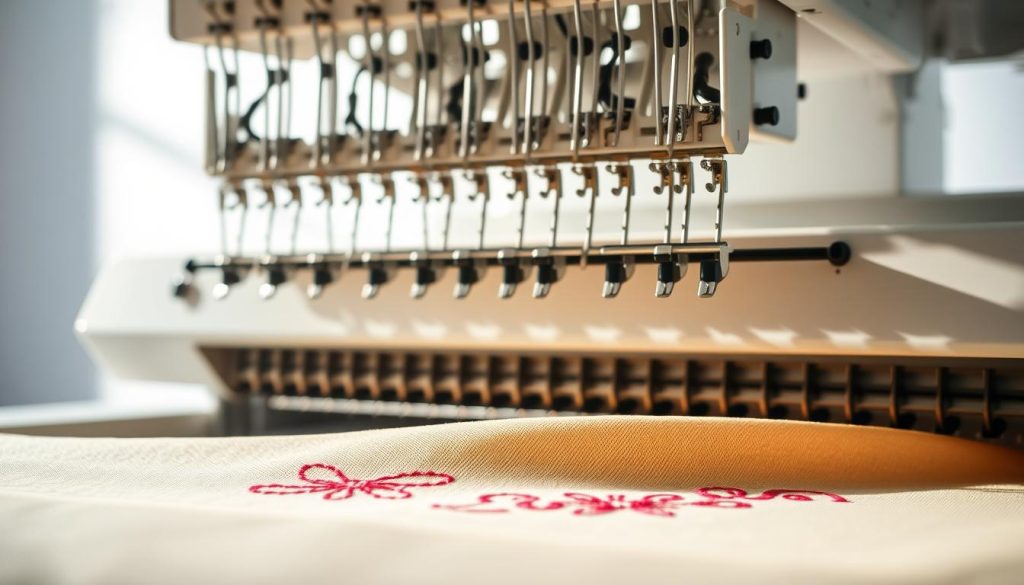
Single-needle machines: flexibility, sewing combo options, and when they’re ideal
Single-needle machines work with one color at a time. You can change threads or use software to split designs. Many models sew and embroider, so you can add designs without a second machine.
For beginners and casual users, single-needle machines are cost-effective and easy to use. They take up less space and are simpler to set up. Brands like Brother offer reliable single-needle combos for home projects and personalized gifts.
Multi-needle machines: Janome MB-7 and home-business benefits
Multi-needle machines can handle several thread colors at once. The Janome MB-7, with seven needles, speeds up production. It means less time changing threads and better color placement for complex designs.
If you’re starting a home business or professional embroidery services, a multi-needle machine boosts output. Small business owners who sell patches, uniforms, or bulk orders find it worth the investment for time savings and consistency.
Trade-offs: cost, size, and workspace considerations for home use
Multi-needle machines cost more and take up more space. They are heavier, need strong tables, and may need professional service sooner. A Janome MB-7 is heavier and more expensive than entry-level single-needle models but offers higher output.
If your budget is tight or your space is small, start with a single-needle machine. It’s affordable and easy to use. For steady orders, invest in a multi-needle machine to grow your home business embroidery and deliver professional results.
Brand round-up and model comparisons with practical use cases
Finding the right machine for your projects can be tough. Here, we highlight brands for home hobbyists, advanced sewists, and small businesses. Consider hoop size, design transfer, and automatic features when choosing.
Brother lineup: PE800, PE900, SE2000 strengths
Brother offers a range for all makers. The PE800 has a 5″x7″ field for big designs but is affordable. The PE900 adds Wi-Fi, automatic jump-stitch trimming, and Artspira compatibility for smoother work.
The SE2000 is a 5″x7″ combo with strong sewing functions, 193 built-in designs, and multiple fonts. It’s perfect for those needing sewing and embroidery in one unit with wireless and USB transfer options.
Baby Lock Altair 2 and Bernette B79 for advanced projects
Baby Lock Altair 2 is for professionals. It has a large 9.5″x14″ hoop, Bluetooth app control, and a 10.1″ touchscreen. It’s great for big panels and detailed work.
The Bernette B79 has a big 10″x6.3″ hoop, high speed up to 1,000 spm, and programmable editing on a touchscreen. It’s ideal for advanced hobbyists needing fast production for complex quilts and home décor.
Janome MB-7 and Memory Craft options for entrepreneurs
Janome MB-7 is built for volume with seven needles. It lets you load multiple colors and run longer batches, perfect for growing your embroidery services.
Memory Craft machines have powerful digitizing tools and large hoops. Professionals often choose them for studio work needing editing and precise placement.
Which models suit embroidered gifts, personalized embroidery, or embroidery services
For small gifts and simple personalization, small hoops and ease of use are key. Models like the SE600 range or compact PE machines work well for monograms and small logos.
For larger customized panels or quilting, upgrade to a 5″x7″ model like the PE900 or SE2000. They support bigger items and wireless design transfers.
Running a shop? Choose multi-needle or professional-grade units. Janome MB-7 or Baby Lock Altair 2 save time on multi-color orders and support higher throughput.
| Use case | Recommended models | Key reasons |
|---|---|---|
| Small gifts & monograms | SE600, PE535, PE545 | Compact 4″x4″ hoops, easy setup, low cost |
| Larger hobby projects | PE800, PE900, SE2000 | 5″x7″ design area, Wi‑Fi/USB transfer, stronger sewing features |
| Advanced customization & quilting | Bernette B79, PE900, SE2000 | Large hoops, high speed, programmable editing |
| High-volume or pro services | Janome MB-7, Baby Lock Altair 2 | Multi-needle speed, large hoops, app and touchscreen controls |
What to expect when you start machine embroidery at home
Starting machine embroidery at home is rewarding and a bit technical. You will learn to balance tools, software, and workflow to get clean results. Keep basic supplies close and plan short practice sessions to build confidence.
Essential supplies
Choose stabilizers to match fabric weight. For medium-weight cotton, fusible options work well. Use washaway or tearaway for delicate projects and MistyFuse for appliqué edges.
Pick quality embroidery thread and keep several spools on hand. Aurifil and Robison-Anton are reliable for color consistency. Use an embroidery needle size suited to your fabric, such as Janome blue tip or equivalent, and change needles after several hours of stitching.
Keep sharp scissors, spare bobbins, and labeling tools ready. For custom embroidery orders, a small swatch kit helps match colors and stabilizer choices.
Basic setup and workflow
Start by selecting or uploading a design in a compatible format. Confirm color order and stitch sequence before hooping. Use a hoop that fits the design area and keep fabric wrinkle-free while attaching the stabilizer.
Set thread, load the correct embroidery needle, and verify tension settings. Position the needle point where the design should start and make a quick single-color stitch to confirm placement.
Work in a clean area with supplies nearby. Maintain a file library in PES format or the format your machine accepts for quick loading.
Common beginner mistakes and how to avoid them
A frequent error is using the wrong stabilizer weight. Too light a stabilizer leads to puckering. Too heavy a stabilizer can flatten stitches. Test different stabilizer combos on scraps to learn what works for your fabrics.
Improper hooping causes wrinkles and shifted designs. Follow the machine manual for hoop tension and check fabric is taut before starting. Never skip test stitching; it reveals tension issues and color problems early.
Avoid jumping into multi-color, dense designs right away. Start with simple built-in designs and build skills in hooping, thread changes, and tension adjustments.
Software and digitizing basics
Learn basic digitizing or work with ready-made files. Confirm files are in PES format or another type your machine reads. For large projects, prepare split designs so you can stitch in passes with a repositionable hoop.
Use software to preview stitch order, remove unnecessary trims, and set color blocks. Wi‑Fi transfer or Artspira can speed design upload, but verify PC or Mac compatibility first.
Keep test-stitching as a habit after digitizing changes. This step helps you catch errors before working on final fabric and makes custom embroidery predictable for repeat orders.
Buying, maintenance, and support: making your machine last
Choosing where to buy is key for long-term support. Find an authorized dealer for demos, setup, and training. Use “embroidery near me” to locate a local shop for hands-on experience before buying.
Before buying, ask about warranty and service plans. A good warranty covers early defects. For heavy use, consider an extended service plan and professional servicing for machines like Janome MB-7 or Baby Lock models.
Regular maintenance is simple. Clean the bobbin area and feed dogs after each use. Change needles often and check bobbin tension to avoid issues. Follow the oiling instructions for your machine, as many need little oil.
Use only manufacturer parts and fresh needles for best results. Update firmware and design apps via USB or Wi‑Fi. Cover your machine when not in use to prevent dust.
Upgrade when your needs grow. If you need larger hoops, faster production, or multi-needle color changes, consider a pro-level model. Plan for space, power, and maintenance for professional equipment.
Compare prices online and at authorized dealers. Check return policies and ask about setup or classes. A trusted local dealer offers ongoing support, parts, and services as your skills and business grow.
Conclusion
When picking a home embroidery machine, think about what you’ll use it for. Do you want to make hobby projects, gifts, or start a small business? The size of the hoop and how you transfer designs are key. For example, the Brother SE2000 is great for all-around use with a 5″x7″ hoop and easy uploads.
The Brother SE600 is a good value with a 4″x4″ hoop. The Brother PE535 is perfect for beginners who just want to sew embroidery.
If you’re thinking about a home business, look at machines like the Janome MB-7. It has multiple needles and is fast. Models from Baby Lock and Bernette also offer big hoops and pro features.
Try out machines in person if you can. Make sure they can handle the designs you want to use. .PES is common for Brother machines, making online transfers easier.
Keep your machine in good shape with cleaning and new needles. Choose a brand with good support or a local shop nearby. Features like automatic thread-cutting make your work look better.
With the right machine and practice, you can make professional projects. You can even start a business from home. Start with a machine that meets your needs, and grow as you go. Focus on making your work consistent and high-quality.
 English